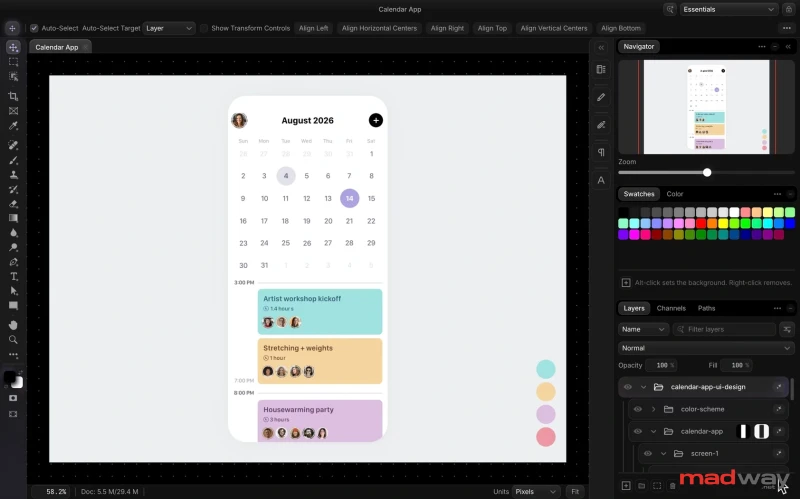
Do you want to decorate a still image with an animated GIF? Here is how to do it fast and for free :)
Open your images
First, go to Photopea.com. Press File — Open, and open your still image. You can press Image — Image size, to change the resolution of the final GIF. Make sure it is not too large (e.g. Width and Height are < 1000px). Large resolutions require a lot of RAM, the process may crash on phones.
Then, press File — Open, again, and open your GIF. You should see two panels («tabs») in Photopea.
Duplicate layers
Now, we need to copy ALL layers of the second document (frames of animation) into the first document (still image). Look into the Layers panel (bottom right): there is a folder (named «animated» in our case), that contains all frame layers.
Now, right-click that folder (in Layers panel) and choose Duplicate Into.
In the new window, choose the document with the still image as a destination. Confirm with OK button.
Move the GIF to the right spot
Switch to the panel («tab») with a still image. You will see your GIF in the top left corner. Disable «auto-select» at the top. Now, click and drag it to a new position (notice, that a whole folder is highlighted, so you are moving all frames at the same time).
You can even use Free transform to make the GIF larger / smaller, or rotate it, etc.
Now, press File — Export As — GIF, and… a new animation is ready! Hit Save to save it :)
Let’s be honest—standard emojis are a bit... boring. They look different on every phone, they’re static, and they just don’t have that classic energy we love here at MadWay....
If you need to improve the image quality and change its size without restrictions, this tools is what you need. https://photoaid.com/en/tools/ai-image-enlarger https://upscale....
Be the first to comment
Add your thoughts and get the conversation going